

Skip to content
AllShip AI

One load, start to finish

Here is what happens between posting a shipment and the carrier getting paid, with the screens you will see along the way.

If you're shipping

Post, compare, pay, track

The same screens you'll use, played with sample data. Pick a tab or let it run.

A shipper posts a car from Dallas to Denver in four steps, and the load goes live for verified carriers. Illustration with sample data.
  1. Pick what you're shipping from 23 categories
  2. Add the details carriers price on
  3. Enter the route: Dallas, TX to Denver, CO
  4. Review and post. Carriers can bid right away

If you're hauling

Find, bid, drive, get paid

Owners and dispatchers work the load board and the fleet map. Drivers run the trip from a phone.

A carrier filters the load board, opens a load on its lanes and bids with a live breakdown of what it receives. Illustration with sample data.
  1. Filter the load board by category and state
  2. Open a load that fits your lanes
  3. Set your price and see exactly what you receive
  4. Place the bid. The shipper is notified

Every step, in detail

  1. 01You

    Post the shipment

    Pick one of 23 shipment types and fill in the form for it. A car asks for year, make, model and whether it runs; a move asks for home size and access; freight asks for pallet count, dimensions and weight. You can also describe the job to the AllShip AI assistant and let it fill in a draft for you.

    • 23 shipment types, each with its own form
    • Bidders see city and ZIP area only
    • Or describe it to the assistant and review its draft
  2. 02Carriers

    Verified carriers bid

    Carriers who serve your lanes and shipment type see the load and send a price with their pickup and delivery dates. Before any carrier can bid, AllShip checks their USDOT and MC numbers with the FMCSA, confirms their insurance and requires a Stripe payouts account. You can message carriers with questions, and the assistant can rank bids by price, dates, reviews and authority status.

    • USDOT and MC checked with the FMCSA
    • Insurance and a Stripe payouts account required
    • Every bid shows price, dates, rating and a message
  3. 03You

    Accept a bid and pay

    When you accept a bid you pay it in full, plus the 10% AllShip service fee. The money is held by Stripe and is not sent to the carrier yet. If payment isn't completed within 30 minutes, the load goes back to open and the bids stay available.

    CheckoutAwaiting paymentExample
    Carrier 3, bid
    $1,180.00
    Service fee (10%)
    $118.00
    Total
    $1,298.00

    Card, Apple Pay, Google Pay or bank account through Stripe. The other bids are declined once payment succeeds.

  4. 04Driver

    Pickup

    The carrier assigns a driver, who updates the trip from their phone. At pickup the driver photographs the load, so there is a record of its condition before it leaves.

    • The carrier assigns one of its drivers
    • Live location while the trip is active
    • Pickup photos record the load's condition
  5. 05Driver

    Delivery

    At drop-off the driver takes a delivery photo and collects a signature. You get a notification with both.

    Proof of deliveryDeliveredExample
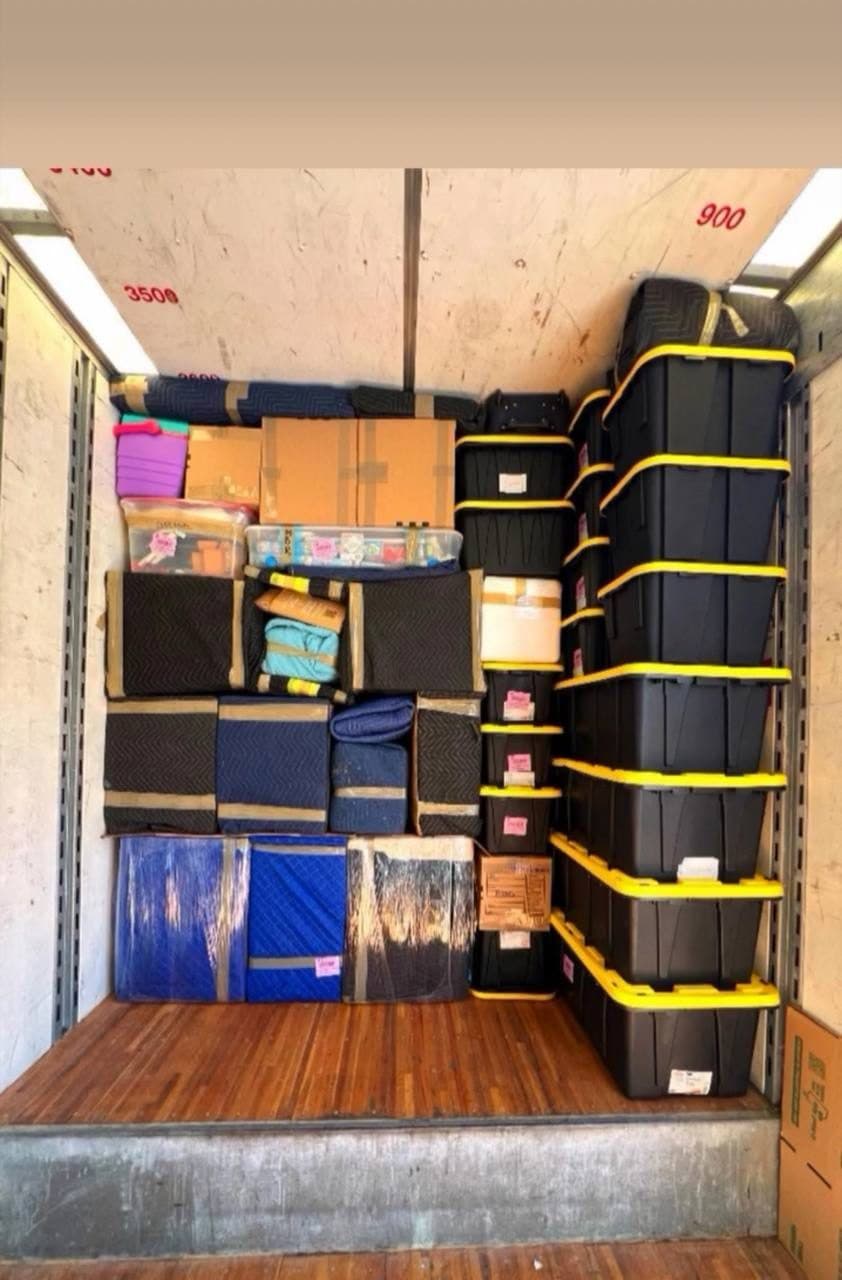
    Delivered household goods, still strapped in the truck

    Delivery photo

    Signed at drop-off

    Oct 17, 2:40 PM · Charlotte, NC

  6. 06You

    Confirm and release

    Check everything, then confirm. If you don't respond within 72 hours, the load confirms automatically. Only then is the bid amount transferred to the carrier. After a completed load you can leave a review, which is the only way reviews appear on AllShip.

    Confirm deliveryCompletedExample

    Everything arrived as described?

    If you don’t answer, the load is confirmed automatically on Oct 20 at 2:40 PM, 72 hours after delivery.

    Transfer to Carrier 3: $1,180.00

Where your money is at each moment

Using the $1,180.00 bid from the example above.

  1. You pay

    $1,298.00

    Once, when you accept the bid.

  2. Held in escrow by Stripe

    $1,298.00

    From booking until delivery is confirmed, or for as long as a dispute is open.

  3. Carrier receives

    $1,180.00

    AllShip keeps

    $118.00

Read the pricing page for what the fee covers, and the cancellation and refund policy for cancellations.

Common questions

Do I pay anything to post a load?

No. Posting and receiving bids is free. You pay only when you accept a bid: the bid amount plus a 10% service fee.

What if no carrier bids on my load?

You pay nothing. Bidding closes on the date you set. You can then repost with wider dates or more details, which makes a load easier for carriers to price.

What happens if my shipment arrives damaged?

Report a problem instead of confirming delivery. That opens a dispute and freezes the payout while AllShip reviews the pickup and delivery photos with both sides. The money stays in escrow until the dispute is resolved.

Can I cancel after I accept a bid?

Yes. Refunds follow the cancellation policy, which depends on how close to pickup you cancel. Read the cancellation and refund policy for the exact terms before you book.

Why does delivery confirm itself after 72 hours?

So carriers are not left unpaid when a shipper forgets to confirm. You can report a problem at any time before the 72 hours end.

Post your first load

It takes a few minutes. Bids arrive in your account and by email.